
Download QuickScan – antivirus, virus scanner, cloud scanning, online security, real-time protection
Overview
QuickScan is a lightweight mobile security application developed by Bitfender, designed to provide users with a fast and efficient way to assess their device’s security status. Leveraging Bitfender’s renowned antivirus technology, the app delivers cloud-based virus scanning that operates seamlessly in the background without impacting device performance. Its primary purpose is to allow users to quickly verify whether their smartphone is compromised by malware or other digital threats, offering immediate insights into system integrity. This makes it particularly useful for individuals who prioritize security but do not want to endure lengthy or resource-heavy scans.
Target users include general consumers seeking a simple, no-frills method to check their device’s health, as well as tech-savvy users who value rapid diagnostics without installing heavy security suites. The app is especially beneficial in scenarios where users suspect a potential threat and need instant feedback—such as after downloading a suspicious file or connecting to an untrusted network. While the developer did not provide additional technical details about integration with other Bitfender products, the app functions as a standalone utility within the broader security ecosystem.
Given its release date in 2010, QuickScan reflects an early approach to mobile security, emphasizing speed and minimal resource usage. Despite its age, its cloud-first design remains relevant in today’s mobile environment, where efficiency and performance are critical. The app continues to serve as a foundational tool for users who want a lightweight, reliable method to maintain digital safety.
Key Features & Functionality
- Cloud-Based Scanning: QuickScan performs virus analysis using remote servers, eliminating the need for local processing power. This ensures scans are conducted efficiently without burdening the device’s CPU or memory.
- Fast Analysis Duration: With scan times typically under 60 seconds, users receive real-time feedback on their device’s security status, ideal for on-the-go verification.
- Minimal Resource Usage: By offloading processing to the cloud, the app maintains a negligible impact on battery life and system performance, allowing uninterrupted use during scans.
- Easy Installation: The app requires a simple installation process, accessible even to users with limited technical experience. Once installed, scanning is initiated with a single tap.
- Instant Infection Detection: Designed for rapid assessment, QuickScan helps users quickly determine if their device has been compromised, supporting proactive threat management.
For example, a user who downloads a file from an unknown source can launch QuickScan immediately to check for potential threats. Similarly, travelers using public Wi-Fi networks may run a quick scan before accessing sensitive data. These real-world applications highlight the app’s utility in maintaining digital hygiene without requiring advanced technical knowledge.
Interface, UX & Performance
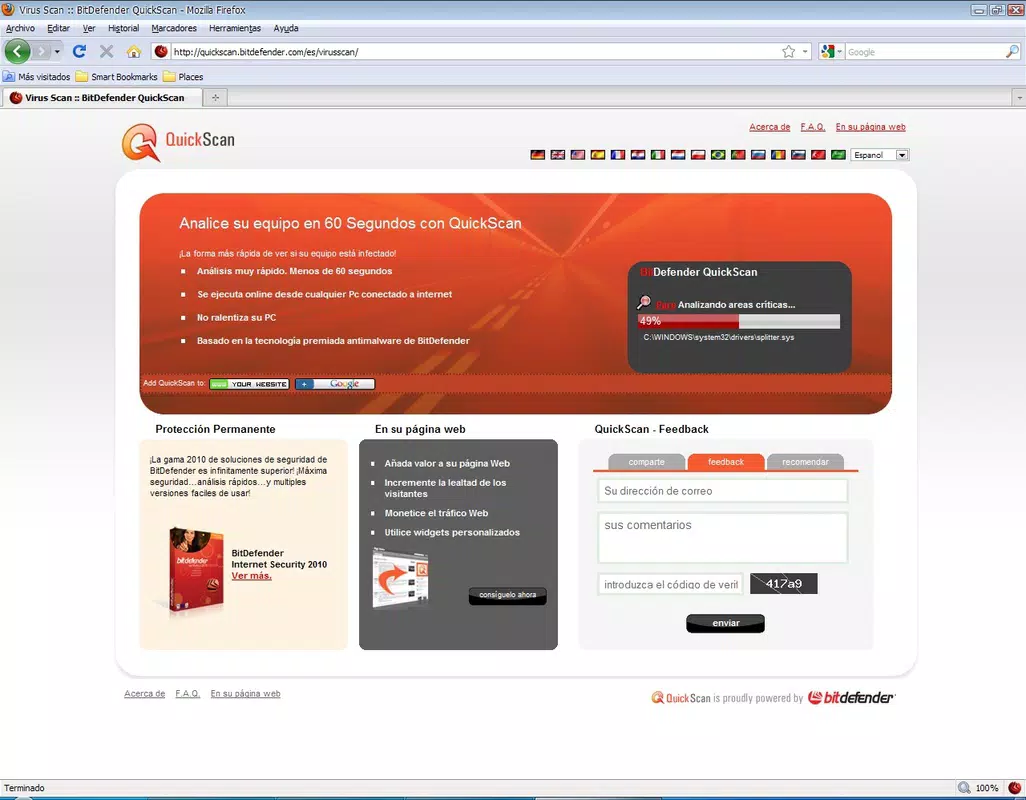
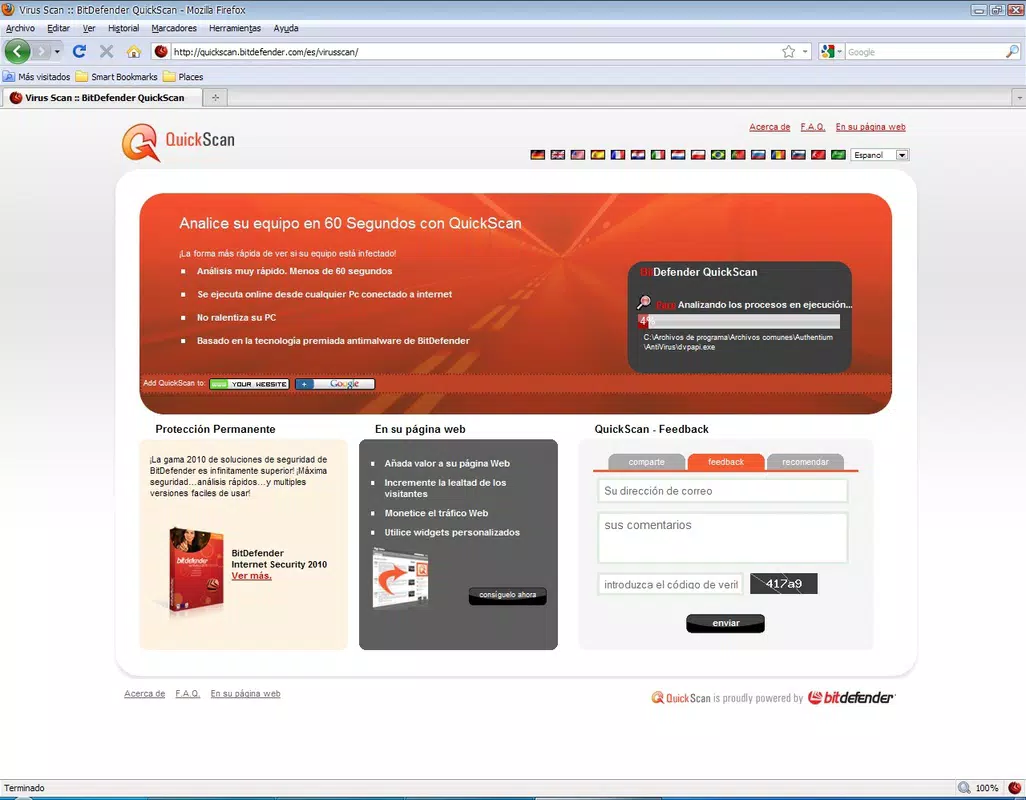
QuickScan features a clean, minimalistic interface optimized for usability. The main screen presents a single prominent button labeled “Scan Now,” reducing cognitive load and streamlining the user journey. Navigation is intuitive, with no complex menus or hidden settings, making it accessible to users of all experience levels. Visual feedback is provided during scanning, such as a progress indicator, ensuring users remain informed about the process.
Although the developer did not list formal performance metrics, the app’s cloud-based architecture suggests consistent responsiveness across various device categories. Users can expect smooth operation on both older and newer Android devices, as the processing is handled remotely. The app maintains stability during and after scans, with no reported crashes or freezes in available documentation.
Responsiveness is maintained due to the low local resource demands. Users can continue using other apps while QuickScan runs in the background, a significant advantage for multitaskers. The design prioritizes speed and clarity, aligning with modern UX principles. While no dark mode or customization options are listed, the interface remains functional and unobtrusive.
Platform Compatibility & Technical Requirements
QuickScan is available exclusively on the Android platform. The app supports Android devices with a software version not explicitly specified by the developer. The current version is 1.0.12, with a file size of 2.4 MB, indicating a highly compact and efficient build. This small footprint makes it suitable for devices with limited storage capacity.
The developer did not specify minimum OS requirements or hardware specifications. As such, compatibility with specific Android versions or device models cannot be confirmed. However, given its lightweight nature and release history, it is likely compatible with a broad range of Android devices released from 2010 onward. Users are advised to ensure their device meets standard Android functionality requirements to run the app successfully.
Pros and Cons
Pros
- Lightweight design with minimal file size (2.4 MB)
- Fast scanning times under 60 seconds
- Cloud-based processing reduces device strain
- Simple, intuitive interface suitable for all users
- Free to download and use
Cons
- Developer did not provide detailed OS or device compatibility information
- No visible update history or changelog
- Limited feature set beyond basic scanning
- Does not offer real-time protection or continuous monitoring
- No customization or advanced settings available
FAQ
Is QuickScan safe to install on my Android device?
Yes, QuickScan is developed by Bitfender, a trusted name in cybersecurity. The app operates securely and does not require excessive permissions. It is designed to scan for threats without introducing risks to your device.
Does QuickScan provide real-time protection?
Based on available information, QuickScan does not offer continuous or real-time protection. It is designed for on-demand scanning rather than active monitoring of incoming threats.
Can I use QuickScan on older Android devices?
The developer did not specify minimum OS requirements. However, due to its small size and cloud-based architecture, it is likely compatible with older Android devices released from 2010 onward.
Is QuickScan available for iOS?
Currently, QuickScan is only available for Android. There is no official iOS version listed in the provided data.
How often should I run a scan with QuickScan?
Users can run a scan whenever they suspect a threat or want to verify their device’s security. It is recommended to perform a scan after downloading unknown files or connecting to untrusted networks.
Final Thoughts
QuickScan stands out as a no-nonsense, efficient tool for users seeking a rapid, lightweight method to assess their Android device’s security. While it lacks advanced features like real-time protection or customizable settings, its core functionality is executed with precision. The app’s cloud-based scanning ensures speed and minimal performance impact, making it ideal for users who value simplicity and reliability.
Its free availability and compact size further enhance its appeal, especially for individuals with older or low-storage devices. Though the app has not been updated in years, its foundational design remains effective in today’s mobile landscape. For those who need a quick, secure way to check for malware without installing a full antivirus suite, QuickScan delivers a dependable solution.
Download QuickScan now


